
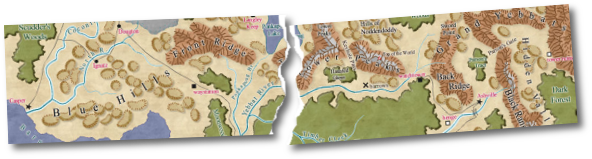
Here we offer you weird and wonderful tools for use with CC2 Pro. Play with them as you wish, but with the
following provisos:
- They are beta versions. They may crash CC2 Pro, or your system. Back up your work.
- They are not supported. If you need technical support, you'll need to remove the
components manually (the readme.txt with each will let you know how to do this).
- They are only licensed for use by registered CC2 Pro users.
You heard the cautionary words, now delve in!
This is a new feature in Universal Update 5, and Connecting Symbol Sets appear in both Source Maps:
Castles and the forthcoming Cosmographer Pro. They’re very easy to use, but creating them takes a bit
of knowledge, which is why this topic is in the lab - even though Connecting Symbols are beyond beta
release.
Learn how to create Connecting Symbols.
A random dungeon and cave generator with a choice of symbol sets. You can
create your own symbol sets.
After installation, look at the RDG readme.txt file in your CC2 Pro Notes folder
for further information.
Download RDG (670 KB)
Bitmap effects for your CC2 Pro drawings. Add drop shadows, transparencys and gradients
(for screen output only)
|