





Your First Fractal Terrains Pro World
Creating a whole world with Fractal Terrains Pro takes 3 clicks.
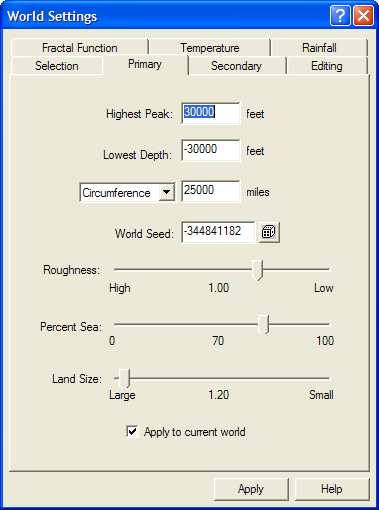
Click the  World Settings icon and go to the
Primary tab. Check the highest peak, lowest depth, circumference, percentage water and roughness values. Change
any you want, then click OK to continue.
World Settings icon and go to the
Primary tab. Check the highest peak, lowest depth, circumference, percentage water and roughness values. Change
any you want, then click OK to continue.
Click the  Next World icon. Fractal
Terrains Pro generates a new world to play with. Carry on clicking Next World until you find one
you like.
Next World icon. Fractal
Terrains Pro generates a new world to play with. Carry on clicking Next World until you find one
you like.
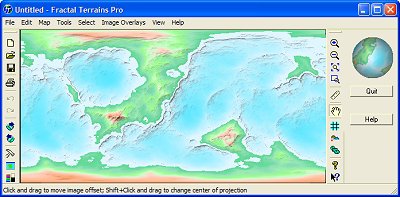
That's creating worlds at its simplest! With a little more time you can "paint" any altitude or climate adjustments you fancy. And at any time you can change the entire color scheme or map projection.
Build as many worlds as you like, in seconds
"FT has features that a lot of professional desktop mapping/GIS packages would envy. It's robust and produces sheer eye candy. After playing with the demo for a while I finally forked out the dough... well worth it for a product that exceeds all reasonable expectations."
David G
September 6th, 2004
Gaia view with clouds
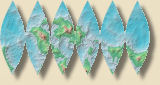
6-way sinusoidal projection
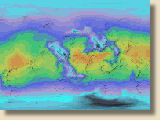
Temperature view
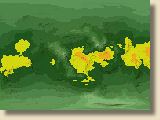
Rainfall view
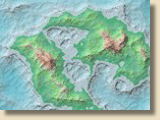
Altitude view
See Examples for larger screenshots